Turn on screen color filters
Windows, iPhone, Android and Mac each have a built-in color filter for color-blind users. It shifts the colors your eyes confuse toward colors you can tell apart, across every app and website. It takes a minute to set up and is easy to turn off again.
Which filter to pick
On Windows 11
- Open the color filter settings
Press Win + I to open Settings, then go to Accessibility › Color filters.
The button only works on Windows; your browser may ask before opening Settings. If nothing happens, use the path above.
- Turn on Color filters
Switch the Color filters toggle to On. If the options below it are hidden, click the arrow next to the toggle to expand them.
- Choose the filter for your type
In the list under the sliders, pick one of the first three filters; the table below says which matches which type. Ignore Grayscale and the two Inverted options; they aren't for color blindness.
- Set Intensity
Intensity sets how strongly the filter shifts colors. Start at the right end, then drag it left until colors look natural enough while the ones you confuse still look clearly different.
- Leave Color Boost at its default, at first
Color Boost changes how vivid the filtered colors are. Use a filter for a day or two before changing it: raise it if colors still look washed out, lower it if they look harsh. Reset puts both sliders back to the defaults.
- Check with the preview at the top of the page
The Color filter preview above the toggle updates as you change settings. With the right filter and intensity, the Red, Orange, Yellow and Green rows of swatches should all look clearly different from each other.
On Windows 10 the same settings are under Settings › Ease of Access › Color filters, and the filters are named by type: Deuteranopia, Protanopia and Tritanopia.
| Your type | Windows 11 filter | Windows 10 name |
|---|---|---|
| Deutan · green weak deuteranomaly, deuteranopia | Red-green (green weak, deuteranopia) | Deuteranopia |
| Protan · red weak protanomaly, protanopia | Red-green (red weak, protanopia) | Protanopia |
| Tritan · blue weak tritanomaly, tritanopia | Blue-yellow (tritanopia) | Tritanopia |
The filters are named after the strong (“-opia”) types, but they're meant for the milder “-anomaly” types too; lower Intensity is what fits a milder deficiency.
Check that it helps
These are the same photos as on the results page, shown unaltered so that only the Windows filter changes them. Keep this page and Settings side by side, then switch the Color filters switch off and on a few times while looking at each photo. With the right filter and Intensity, the colors you normally confuse should look more clearly different. If you're not sure about your type, try the other red-green filter too and keep whichever helps most.
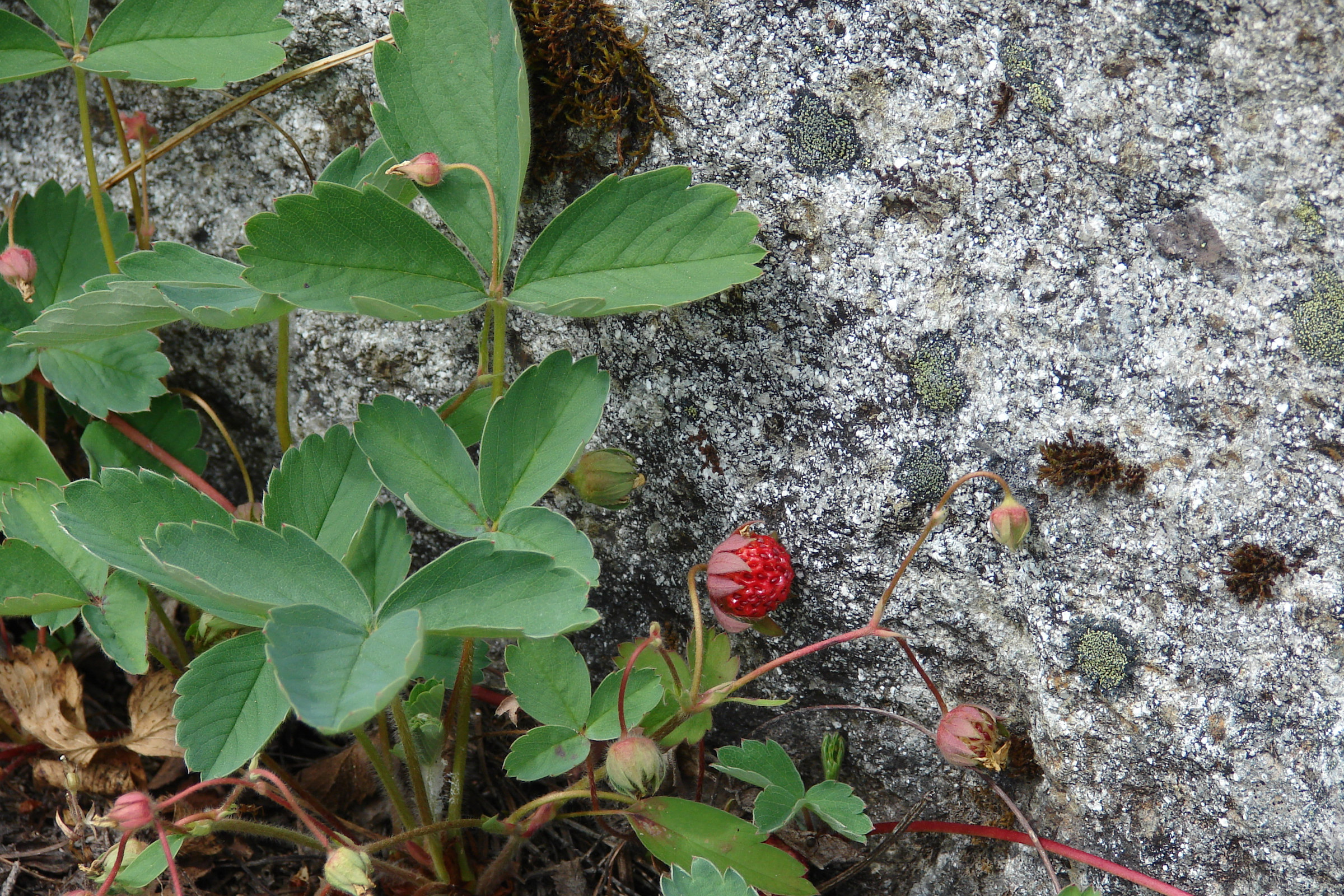
Photos from Wikimedia Commons, CC0 / public domain; see img/CREDITS.md. Tap a photo to see it full screen.
On other devices
Open Settings › Accessibility › Display & Text Size › Color Filters and turn on Color Filters.
Pick the filter: Green/Red Filter (Deuteranopia) for deutan, Red/Green Filter (Protanopia) for protan, Blue/Yellow Filter (Tritanopia) for tritan.
Adjust Intensity. Start near your strength from the results page and fine-tune from there.
Optional: add Color Filters to Accessibility › Accessibility Shortcut so a triple-click of the side button turns it on and off.
Open Settings › Accessibility and find Color correction. On Pixel phones it's under Color and motion; on Samsung it's under Visibility enhancements. The exact path varies by phone maker and Android version.
Turn on Use color correction and pick Deuteranomaly, Protanomaly or Tritanomaly to match your type.
If your phone shows an Intensity slider, start near your strength from the results page.
Open System Settings › Accessibility › Display and turn on Color filters.
Set Filter type: Green/Red filter (Deuteranopia) for deutan, Red/Green filter (Protanopia) for protan, Blue/Yellow filter (Tritanopia) for tritan.
Adjust Intensity. Start near your strength from the results page.
Good to know
- A filter doesn't restore color vision. It trades natural-looking colors for colors you can tell apart, so some things (skin, food, photos) will look a bit odd.
- It changes only what's on your screen. Screenshots and screen shares stay normal for everyone else.
- Turn it off before retaking the tests on the results page, or they'll measure the filter instead of your eyes.
- Color-critical work, such as photo editing, printing or picking paint, is usually better done with the filter off and a second pair of eyes.
Windows names match Windows 11 as of October 2026; the other devices' names are as of iOS 18, Android 15 and macOS 15. They sometimes change between versions; if a name doesn't match, search Settings for “color filter”.
Help prevent blindness
Color blindness can't be cured, but most blindness worldwide can be prevented or treated cheaply. If you'd like to help, these two charities do this work well:
Restores sight with low-cost cataract surgery and trains local eye surgeons in Africa, Asia and the Pacific.
Donate to Fred Hollows ↗Prevents childhood blindness and death with vitamin A supplements. Rated a top charity by GiveWell.
Donate to Helen Keller Intl ↗This site isn't affiliated with either charity and receives nothing from donations. Links go straight to each charity's own donation page, with no tracking codes.